Connect Your POS
One place to connect your own point-of-sale system — send new orders out with webhooks, or let an AI assistant look up your store data.
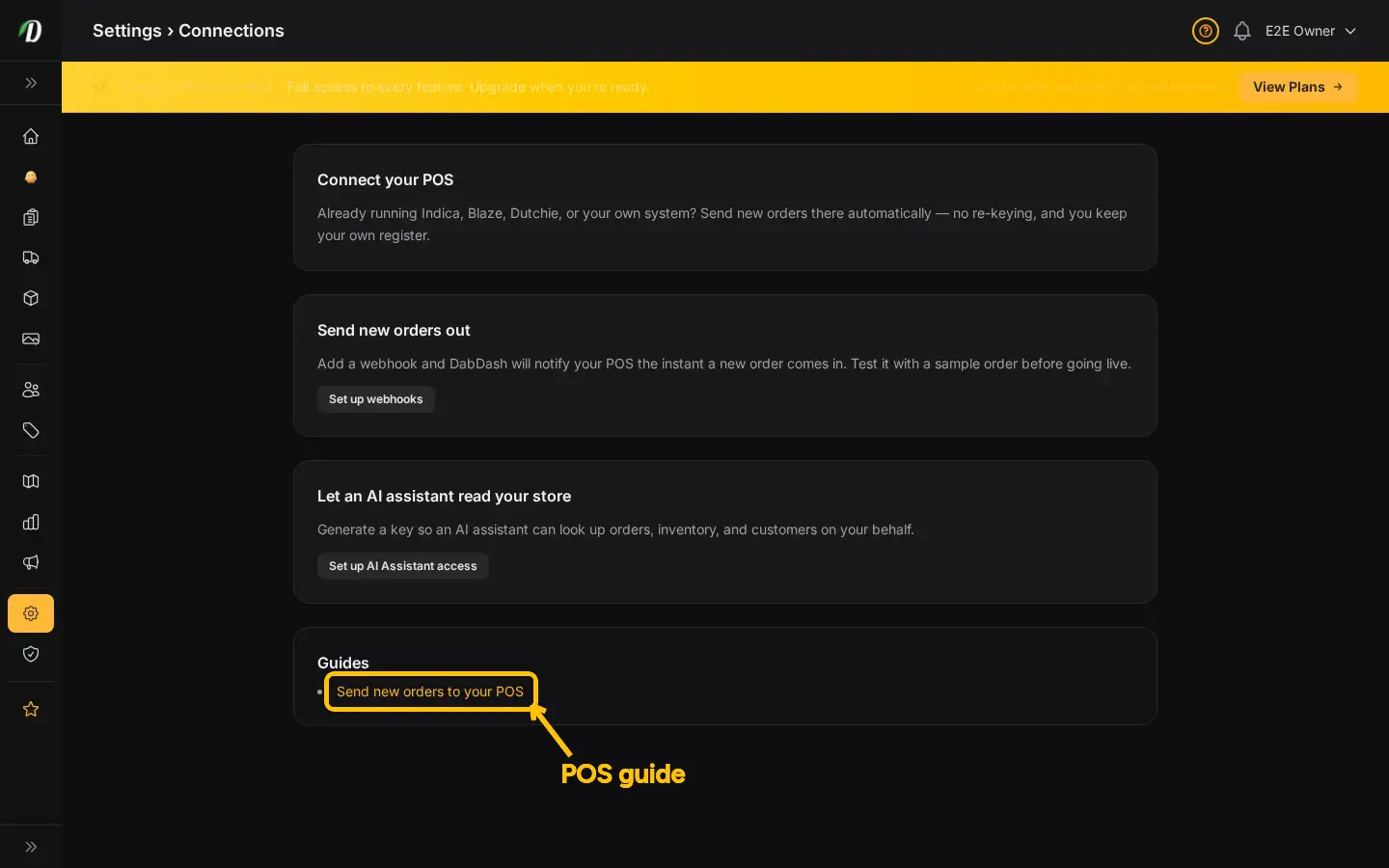
What Connections is for
If you already run a point-of-sale system — Indica, Blaze, Dutchie, or something you built yourself — you don't have to give it up to run a DabDash storefront. The Connections page is one place that brings together the two ways to link your online store to your own systems: sending order data out with a webhook, and letting an AI assistant read your store data on your behalf.
Both of these already exist as their own settings pages — Connections doesn't replace them, it just puts them next to each other with plain-language guidance so you don't have to go hunting through the settings menu.
Sending new orders out
Add a webhook and DabDash will notify your POS the moment a customer places a new order — no manual re-entry. See the related articles below for the full step-by-step recipe.
AI assistant access
Generate a key so Claude or another AI tool can look up your orders, inventory, and customers — hands-free. See the related articles below for setup steps.